MARVEL Tōkon Fighting Souls Cross-Play Between PS5 & PC
How to queue All platforms or Same Platform Only — and when to flip the toggle after the August 10 PC patch.
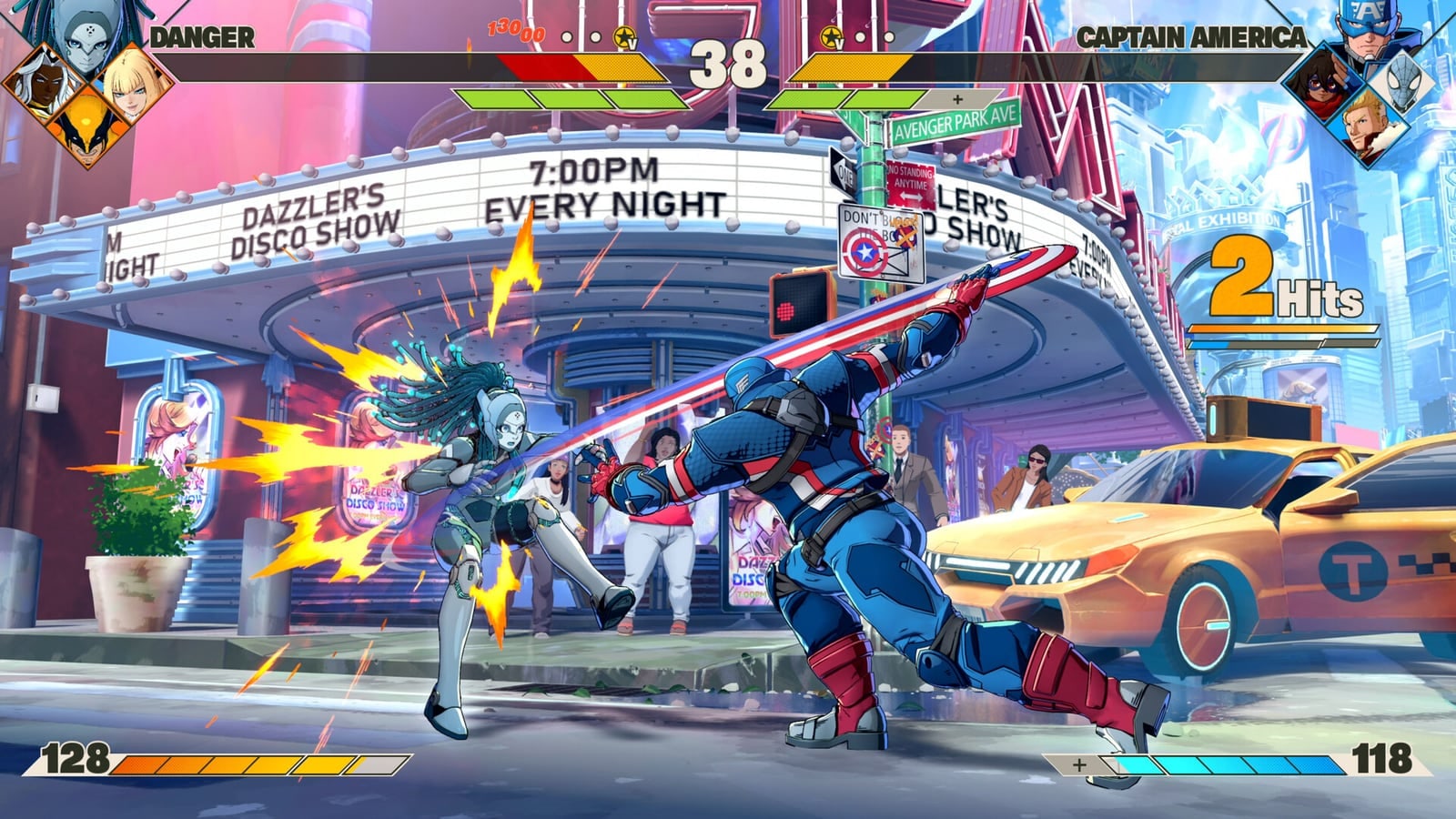
MARVEL Tōkon Fighting Souls supports full cross-play between PlayStation 5 and PC (Steam / Epic) at launch. There is no Xbox / Switch client, so “cross-play” means PS5 ↔ PC only.
Cross-progression (carry unlocks between PS5 and PC accounts) has not been confirmed. Treat each platform’s progress as separate until Arc Sys / PlayStation say otherwise.
How to enable cross-play
- Launch the game and open Battle
- Choose Casual or Ranked
- Open Matching Settings before you queue
- Find Match Platform
- Set All to include PS5 and PC opponents
- Set Same Platform Only if you want to avoid the other storefront
That is the whole toggle. Friend groups with mixed hardware should stay on All. If online feels jumpy after a PC opponent hitch, flip to Same Platform Only for a session — then retest after patches.
Why the toggle mattered in launch week
PC launched rough. Many PS5 players disabled cross-play so rollback would not inherit PC stutter. After August 10 update 1.002.002, community reports say PC pacing improved enough that some console players re-enable All. Still verify with your own sets — see Patch Notes and PC Performance.
PC account requirements
PC play requires a PlayStation Network login and internet. Easy Anti-Cheat is present on Steam. If PSN auth fails in your region, fix that before chasing Match Platform settings — Platforms.
Online modes that use the setting
- Casual Match
- Ranked Match
- Broader lobby / room flows still care about who can see whom — details on Online
Party toys like Arcadia Rumble can be played offline when you only want friends on the couch — Arcadia Modes.
Practical recommendations
- Mixed friend group: Match Platform = All, confirm everyone finished Day 1 + Aug 10
- Serious ranked climb on PS5 while PC is unstable: temporary Same Platform Only
- PC lab night after a new patch: re-run shader warm-up, then test All in Casual before Ranked
- Trophy / Color 6 Casual grind: platform mix is fine as long as Casual Match completes — Costume Colors, Trophies
Related reading
Cross-play is a door. Stability decides whether you leave it open.
Frequently Asked Questions
Quick answers to the questions players ask most.
Does MARVEL Tōkon have cross-play?
Yes — between PlayStation 5 and PC (Steam / Epic). There is no Xbox or Switch version at launch.
How do I turn cross-play on?
In Casual or Ranked Matching Settings, set Match Platform to All.
How do I play same platform only?
Set Match Platform to Same Platform Only.
Is there cross-progression?
Not confirmed. Assume PS5 and PC progress stay separate for now.
Should PS5 players enable cross-play after Aug 10?
Many report PC hitching improved — test Casual with All, then keep or flip based on your matches.