MARVEL Tōkon Fighting Souls PC Performance Checklist
Day 1 plus August 10 (1.002.002) — the practical settings loop Steam players still need after each update.
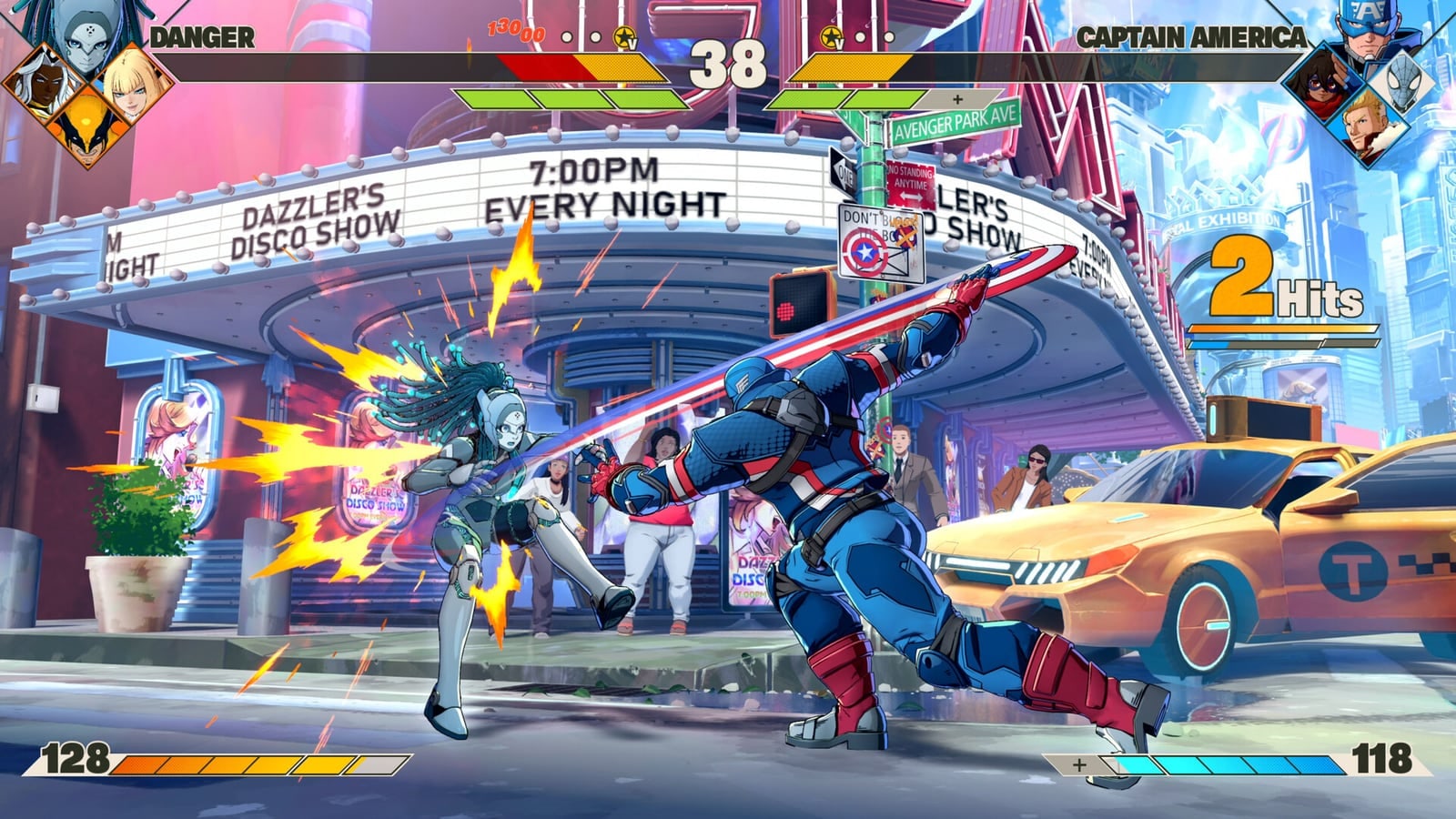
The PC version of MARVEL Tōkon Fighting Souls launched with PS5 on August 6, 2026, took a rough Steam-review hit from stutter and hitching, then received update 1.002.002 on August 10. Many players report the Aug 10 package is a real step forward — still treat performance as a checklist, not a myth.
Full notes: Patch Notes. Specs: Platforms. Cross-play comfort: Cross-Play.
Step 0 — stay on the newest build
- Install Day 1 history fixes and the August 10 follow-up (PS5 label 1.002.002)
- When prompted, run shader warm-up and wait until it finishes
- Re-check Auto graphics — Aug 10 improved hardware detection
What Aug 10 fixed on PC
- High CPU during startup
- Extra load from periodic audio processing in matches
- Sudden drops from unnecessary audio input polling
- FPS drops on certain resolutions
- Better auto graphics profile selection
- Fresh shader warm-up prompt after the update
What Day 1 already targeted
- Lower animation / UI CPU cost
- OBS Game Capture / Discord overlay pain
- Incorrect DLSS / FSR / XeSS activation
- Background character update frequency on Medium / Low
- Steam online input send delay
Recommended first-hour settings
- Graphics → Shader Warm-Up at Launch = ON, then Run Shader Warm-Up
- Prefer Fullscreen over Borderless while diagnosing hitching
- Start on Automatic, then step down if pacing wobbles
- If CPU-bound, set effect / background character update quality to Medium or Low
- Cap / lock to the game’s 60 FPS battle target
- Close overlays you do not need: Discord overlay, NVIDIA App overlay, browser hardware overlays
- If using NVIDIA Frame Generation / DLSS experiments, try disabling Frame Generation and overlays first when diagnosing
- Prefer Display Capture only after Game Capture misbehaves
Online hitching is shared pain
Rollback fighters feel every stutter. If your opponent is at 40 FPS, your match can still look jumpy. After Aug 10, more PS5 players may re-enable cross-play — still keep [Same Platform Only] as a fallback via Cross-Play.
PSN, anti-cheat, and region friction
PC requires a PlayStation Network account and internet. Easy Anti-Cheat is present on Steam. Fix account access before blaming GPU settings — Platforms.
When to choose PS5 instead
DualSense features, living-room locals, and fewer port variables: PS5 remains the smoother path for many. Cross-play still lets you meet PC friends once both sides are stable.
What “fixed” still does not mean
Aug 10 reduced known hitch modes. It does not promise every high-end rig a perfect flat 60 forever. Keep watching Updates. Avoid unverified “delete these three folders” myths without official confirmation.
Related reading
- Patch Notes
- Platforms & Specs
- Cross-Play
- Online
- Review for launch reception context
Stable frames beat fancy presets. Make the game honest before you blame your team.
Frequently Asked Questions
Quick answers to the questions players ask most.
Did the August 10 patch fix PC performance?
It targets CPU startup load, audio-related hitching, resolution FPS drops, and auto graphics detection. Many players report big improvement — still re-run shader warm-up.
Should I warm up shaders again after 1.002.002?
Yes. The PC client prompts warm-up after the update — finish it before ranked.
Do Discord and OBS still hurt FPS?
Day 1 targeted those cases. Still close overlays first when diagnosing hitching.
Why does online feel bad when my PC is fine?
Opponent frame pacing affects rollback feel. Use Cross-Play toggles and wait for further patches if needed.
Where are official system requirements?
See the Platforms & Specs guide for Steam minimum and recommended listings.