MARVEL Tōkon Fighting Souls PC Beta Issues & Launch Fixes
What broke in the July PC beta, what Arc Sys promised for ship, and how to prepare.
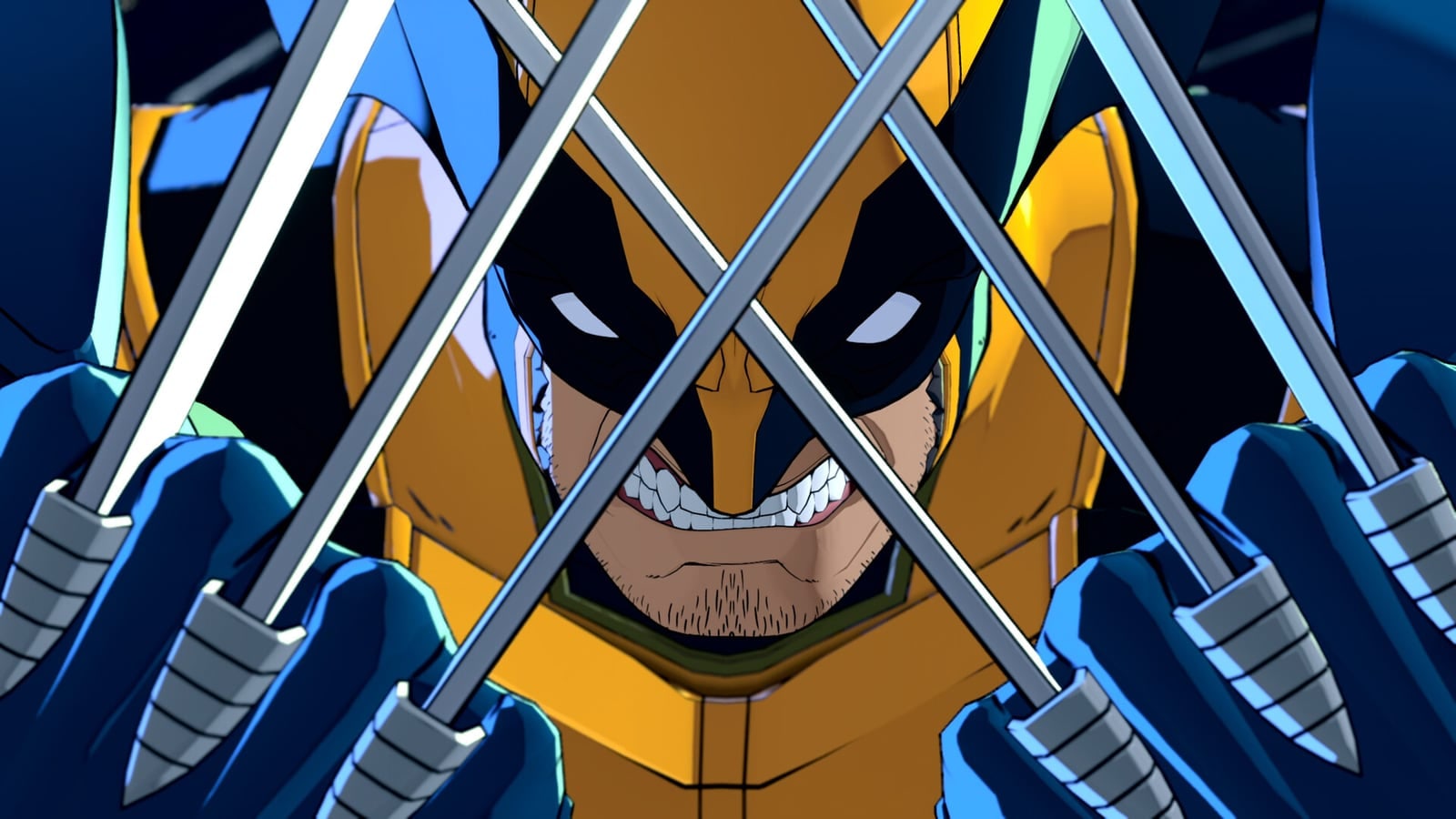
The Open Beta for MARVEL Tōkon Fighting Souls (July 24–26, 2026) was the first broad PC public test alongside PlayStation 5. Many players got clean sessions. Others hit stuttering, low frame rates, crashes, and awkward PSN sign-in loops — enough that the official @MARVELTokon account posted an apology and investigation note on July 25.
This page records what is confirmed so far. It is not a frame-data wiki and it is not a doom post: betas exist to surface this class of problem before August 6.
Official response (July 25, 2026)
Arc System Works / the official account stated they were aware of gameplay and performance issues on PC, that the team was actively investigating, and that they would share more when they had it. They also shared community-suggested troubleshooting steps with an explicit caveat that those steps were not officially confirmed fixes.
Reported player pain points (community + press summaries):
- Heavy stutter / unstable frame pacing even on higher-end GPUs
- Crashes and sudden slowdowns
- Input feel complaints (buffering / special cancel consistency)
- Repeated PSN sign-in friction on PC
- Overlay / capture software conflicts during sessions
Separately, some PlayStation Network disruption on day one limited access for players who could not even reach a match — a different problem from the PC render/CPU complaints, but it muddied the first-day narrative.
Community troubleshooting shared during the beta
Official social posts pointed players toward steps circulating in the community. Treat these as temporary experiments, not gospel:
- Enable Execute shader warmup (or equivalent shader precompile) in graphics settings if present
- Disable NVIDIA Frame Generation / similar frame-gen features in the NVIDIA app
- Turn off app overlays (GeForce Experience, Discord overlay, Steam overlay experiments, RGB suites)
- Close capture / streaming tools while diagnosing (OBS, ReLive, etc.)
- Re-test after a clean reboot with only the game + required PSN login running
If none of that helps, document your CPU/GPU/driver build and wait for a dated studio update rather than chaining unverified registry myths.
Promised launch-side PC improvements
Following the beta weekend, Arc System Works publicly framed player feedback as “message received” and outlined work aimed at the August 6 ship build, including:
- Digging into lag, rollback netcode feel, frame-rate drops, and cross-play friction
- Reducing overall CPU usage (a frequent complaint even on machines that “met” the listed specs)
- Fixing an issue that forced an unnecessary shader compile path at startup
- Improving compatibility with OBS and Discord for streamers and voice-chat users
Treat these as studio commitments toward launch, not a guaranteed perfect port on every SKU. Verify day-one patch notes on PlayStation/Steam/official social once they publish — then return here for a dated summary.
What this means for August 6 launch buyers
- PS5 players: the loudest beta failure mode was PC-specific. Console remains the lower-risk day-one path for DualSense locals and fewer port variables.
- PC players: verify PSN login works in your region, meet PC specs, and budget time on launch day for a possible day-one patch — do not assume the beta build equals the ship build.
- Cross-play groups: agree on a fallback (casual lobby, Arcadia Rumble offline, local versus, or Episode Mode) if ranked queues wobble in week one.
- Streamers: re-test OBS/Discord overlays after the launch binary; beta-era overlay advice may change if the studio’s compatibility work lands.
How this wiki will track the story
We will update this page when Arc Sys / PlayStation publish a dated fix note. Until then:
- Beta scope and roster: Open Beta
- Specs and PSN: Platforms & Specs
- Mode fallbacks: Arcadia & Extra Modes
- Calendar: Release Timeline
- Primary channels: Official Links
Practical launch-week checklist for PC
- Confirm Windows 11 + drivers are current
- Confirm PSN account can sign in before pre-load finishes
- Keep shader warmup / overlay lessons from the beta in mind — then re-validate after any day-one patch
- Draft a team in Team Builder so menu time is not your whole night
- Re-read Systems after any patch that mentions assists or input
- If online is rough hour one, pivot to offline modes instead of doom-scrolling
A rough beta does not cancel a fighter — it tells you where the studio must spend the last stretch. Watch official channels, not screenshot panic.
Frequently Asked Questions
Quick answers to the questions players ask most.
Did Arc System Works apologize for PC beta issues?
Yes. On July 25, 2026 the official account said they were aware of PC gameplay and performance issues, were investigating, and apologized for the impact.
Are the troubleshooting tips official fixes?
No. Steps shared during the beta were framed as community suggestions while investigation continued — not confirmed permanent fixes.
Was the whole beta broken?
No. Many players completed sessions. PC performance and some day-one PSN access problems dominated headlines.
Should I cancel a PC pre-order?
That is a personal risk call. Track official updates through launch week; PS5 remains an alternative if you need lower port risk.
What PC fixes are promised for launch?
Studio messaging covers CPU usage, startup shader compile waste, lag/rollback/cross-play, frame drops, and OBS/Discord compatibility — verify on day-one notes.
Where do I find the next official update?
Follow @MARVELTokon and the hubs on Official Links; this page will summarize dated notes when they publish.